Adding content blocks
Text, image, YouTube video, Spotify, SoundCloud, countdown, quote, divider and Discord server.
Updated October 22, 20261 min read
Blocks add content under your links. You’ll find them in Customize → Blocks, and like everything in the editor, they need to be saved.
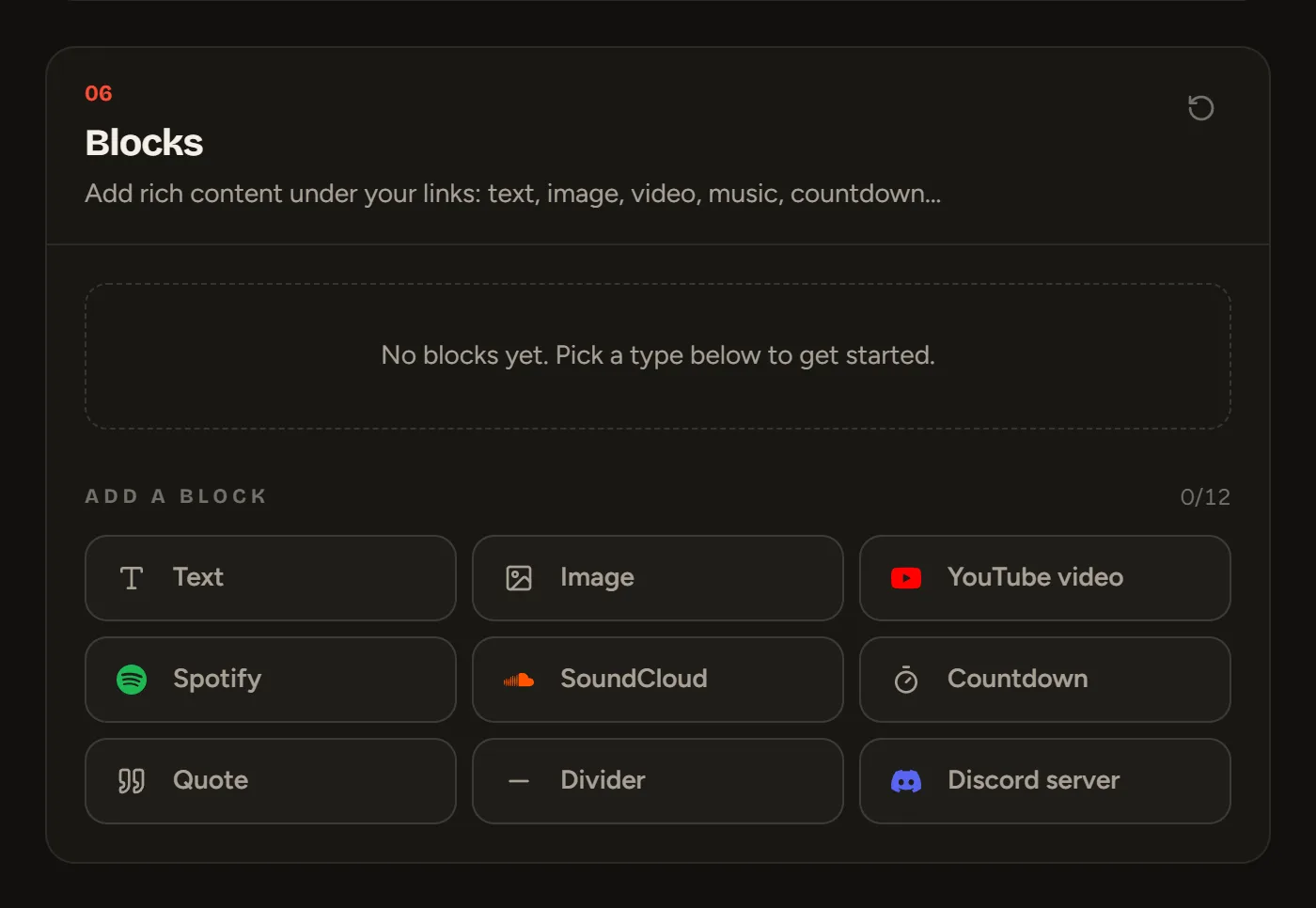
Block types
Every type is free:
| Block | What you fill in |
|---|---|
| Text | Up to 1000 characters, aligned left, center or right |
| Image | An image, an optional caption and a link on click |
| YouTube video | A YouTube link (video, short, live) |
| Spotify | A track, album, playlist, artist or podcast link, as a compact or large player |
| SoundCloud | A soundcloud.com link |
| Countdown | A label and a date |
| Quote | A text and its author (optional) |
| Divider | Line, dashed, dots or glow |
| Discord server | A discord.gg/… invite |
Managing your blocks
On each block: the ⋮⋮ handle to move it, Hide to hide it without deleting it, Duplicate and Delete. Click a block to expand it and edit it.
Limits
12 blocks for free, 40 with Premium.
Still stuck?
Email us and describe the problem: we’ll reply by email, in English or French.