Share your profile
Your link, your QR code and the best places to put it.
Updated October 22, 20261 min read
Your profile’s address is slaze.cc/yourname. Anyone can open it, no account needed.
Copy your link
- In the dashboard: the Copy link button, at the bottom of the menu.
- On the Overview page: the Share card shows your link with the Copy, share and open buttons.
Your QR code
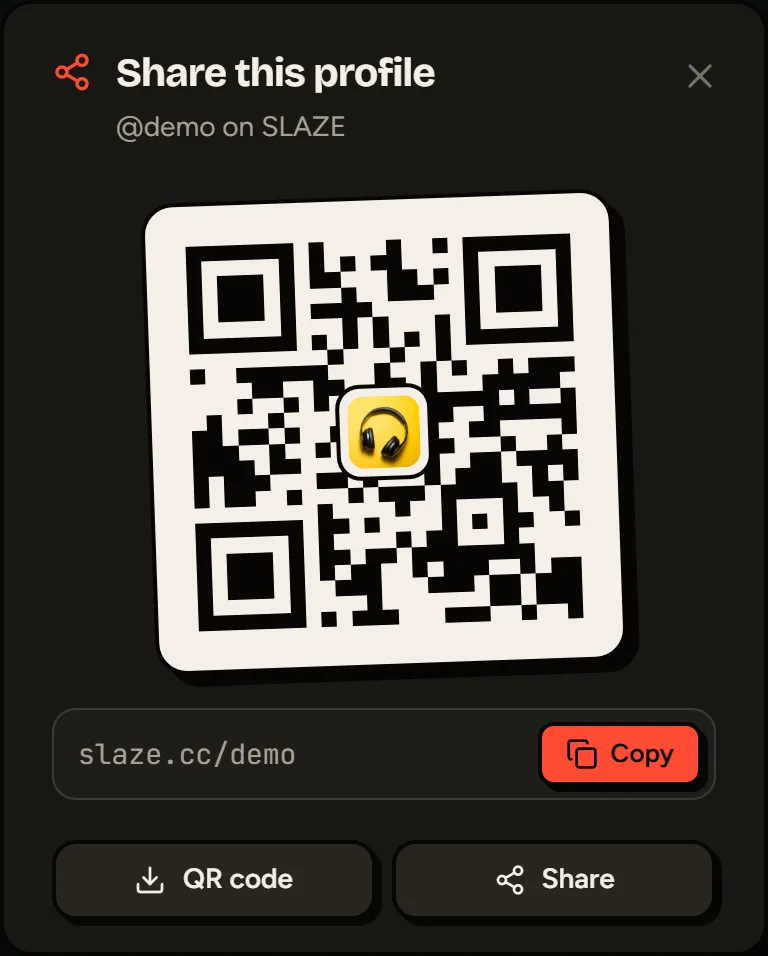
The Share card on the Overview page also shows a QR code for your profile. Click it to enlarge it, then Download as PNG: handy for a story, a flyer or a stream.
On your public profile, the share button (top right) opens the same window for your visitors: QR code with your avatar in the middle, link copy and sharing.
Where to put it
- In your TikTok, Instagram, X, Twitch or YouTube bio.
- In your Discord profile (the “About Me” section).
- In the description of your videos and streams.
What others see
When you paste your link on Discord, X or WhatsApp, a preview shows up with your name, your description and your avatar. With Premium, you can choose the title, text and image of this preview yourself: see Share preview (SEO).
Still stuck?
Email us and describe the problem: we’ll reply by email, in English or French.