Hosting images and files
Upload files, share them with a link, make them private, and the storage limits.
Updated October 22, 20261 min read
The File host (slaze.cc/dashboard/files) keeps your files and gives you a link to share them: screenshots, clips, sounds, documents…
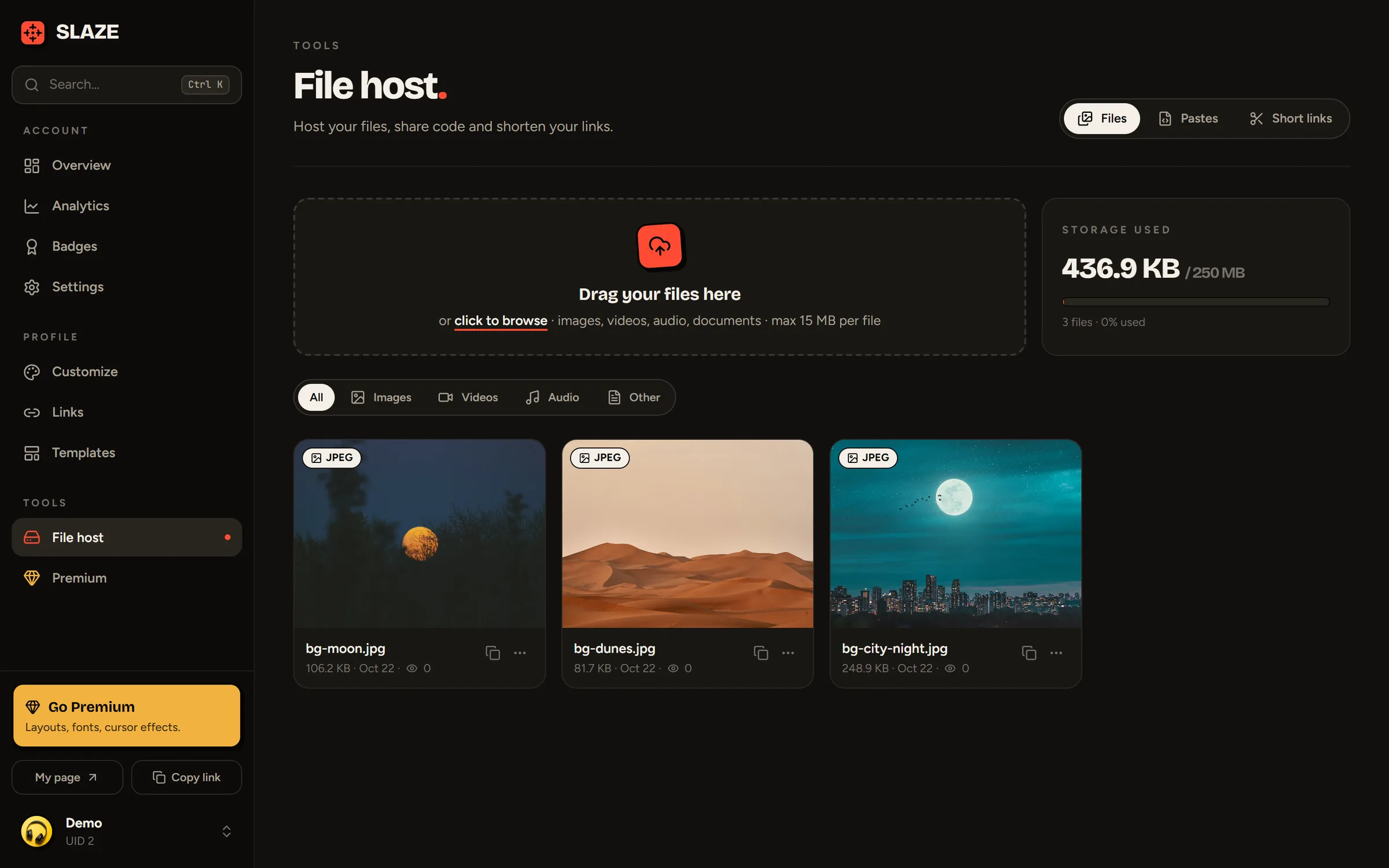
Uploading a file
Drag your files into the upload area, or click it to pick them. Images, videos, audio, documents, archives: most formats are accepted. An unknown file type is offered as a download instead of being displayed.
Sharing
On each file:
- Copy the share link: a
slaze.cc/f/…page with a preview (image, video or sound), the size, the format, the view count and a Download button. - Copy the direct link: just the file, to embed somewhere else.
- Open the page, Rename, Make private / public, Delete.
The All, Images, Videos, Audio and Other filters help you find your way around.
Storage and size
| Free | Premium | |
|---|---|---|
| Total storage | 250 MB | 5 GB |
| Max size per file | 15 MB | 100 MB |
The Storage used card shows where you’re at.
Still stuck?
Email us and describe the problem: we’ll reply by email, in English or French.