Creating short links
Shorten any link to slaze.cc/s/… and track its clicks.
Updated October 22, 20261 min read
Short links turn a long address into slaze.cc/s/yourword. You’ll find them in File host → Short links.
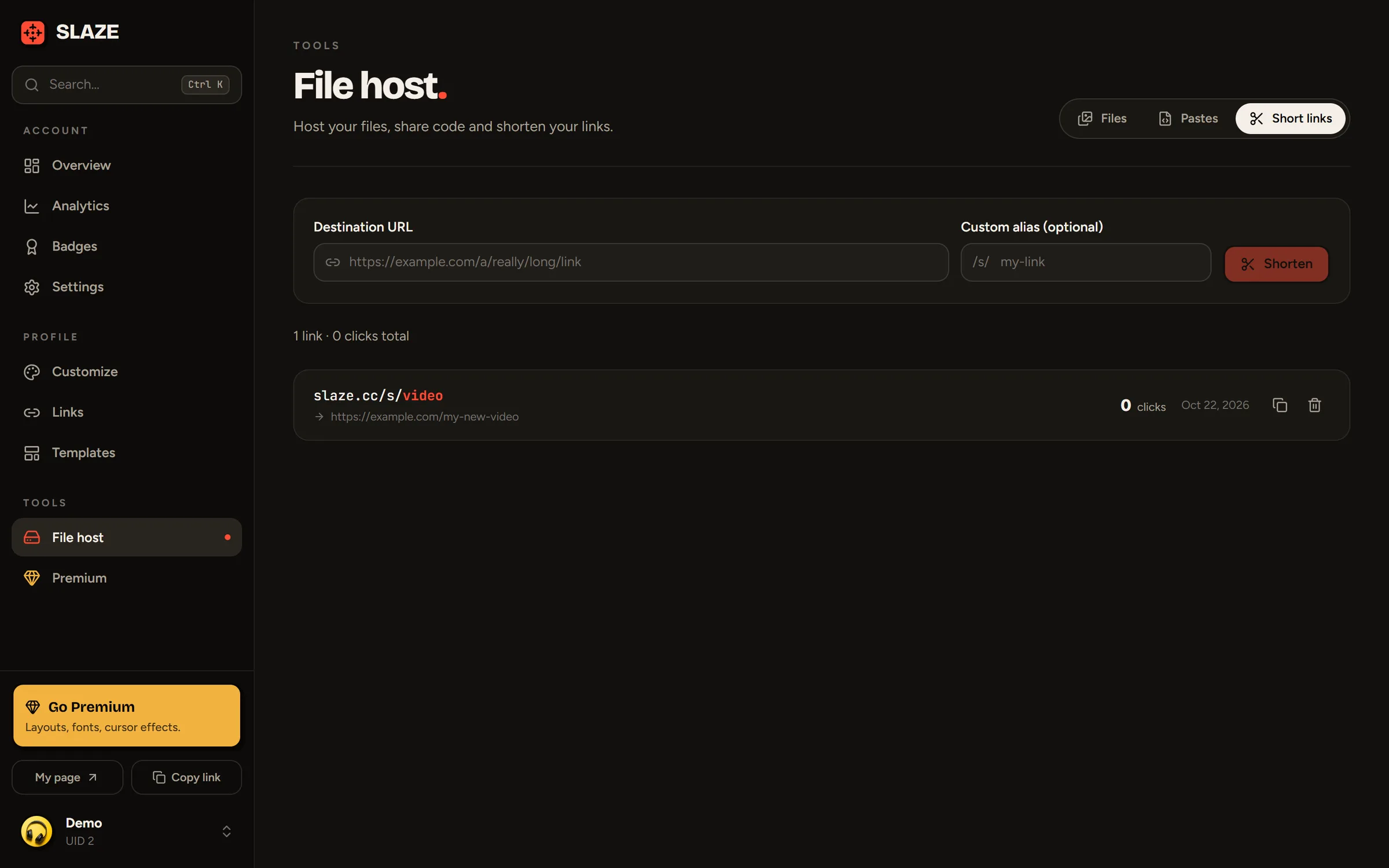
Creating a short link
- Paste the Destination URL (
https://is added if it’s missing). - Pick a Custom alias (optional): 3 to 32 characters, letters, numbers,
-and_. With no alias, SLAZE generates a random one. - Click Shorten. The link is copied automatically.
The list shows the number of clicks for each link (bots aren’t counted). A short link can’t be edited: delete it and create it again.
Limit
15 short links for free, 500 with Premium.
Still stuck?
Email us and describe the problem: we’ll reply by email, in English or French.