Discord and Google connections
Link Discord or Google to log in with one click, use your Discord avatar and show your presence.
Updated October 22, 20261 min read
These settings are in Settings → Connections.
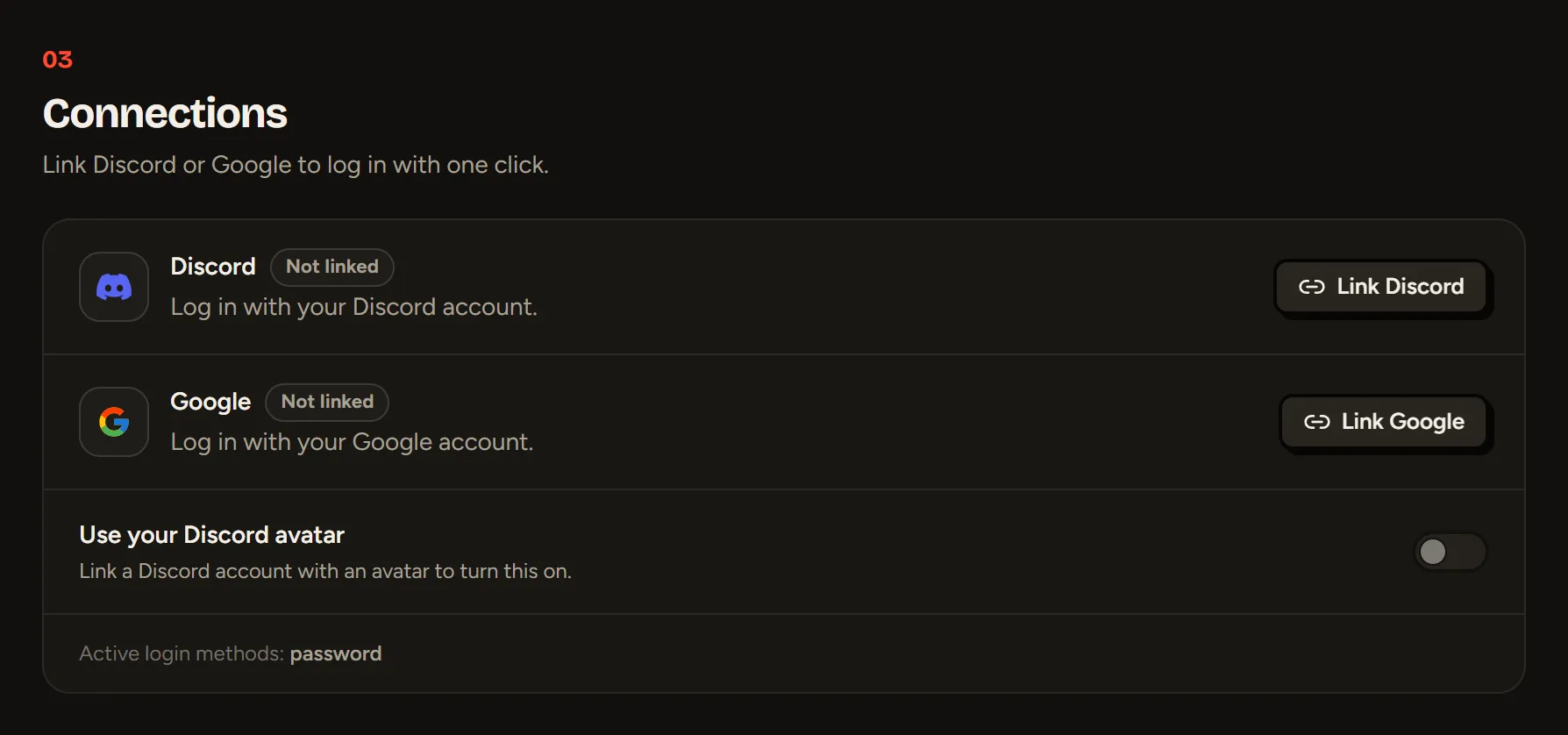
Linking an account
Click Link Discord or Link Google and accept the connection. After that, you can log in to SLAZE with that account in one click.
Linking Discord also fills in your Discord ID for the Discord presence on your profile. Linking another Discord account replaces the previous one.
Using your Discord avatar
Turn on Use your Discord avatar: your Discord picture becomes your SLAZE avatar.
Unlinking an account
Click Unlink. If it’s your last way to log in and your account has no password, SLAZE first asks you to add one (in Settings → Info), so you don’t lose access to your account.
Still stuck?
Email us and describe the problem: we’ll reply by email, in English or French.