Changing the language
Switch SLAZE to French or English.
Updated October 22, 20261 min read
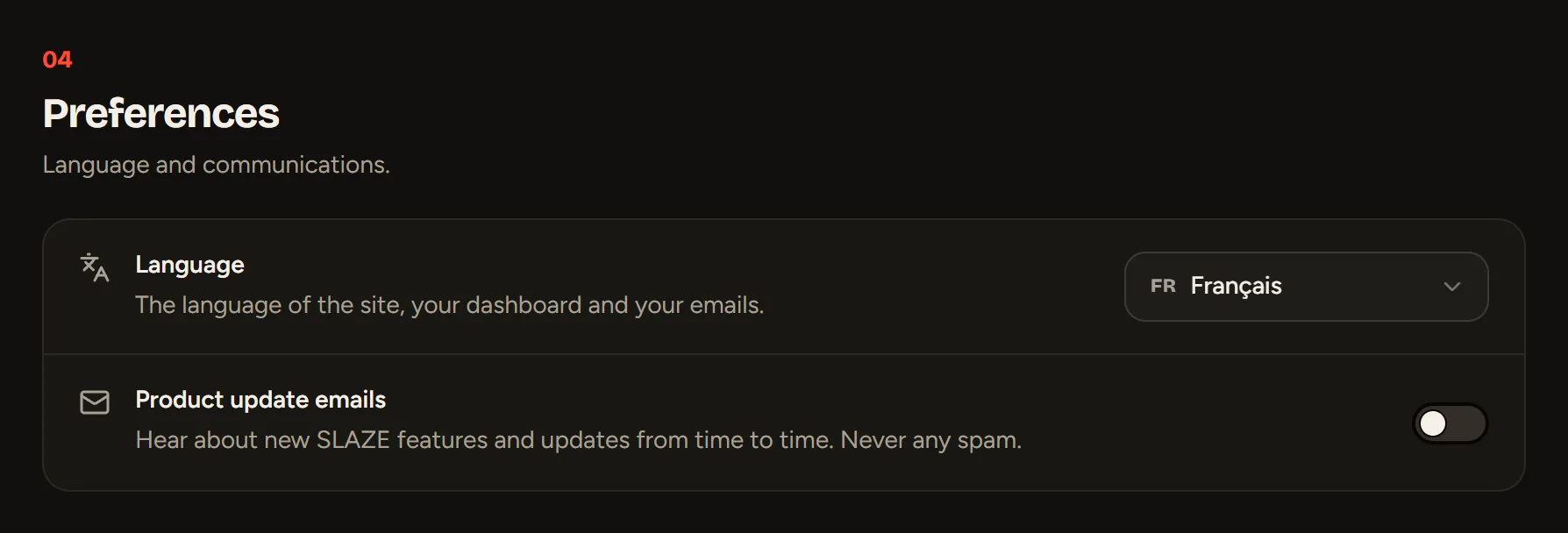
SLAZE comes in French and English: the site, the dashboard and the emails.
By default, SLAZE shows up in French if your browser is in French, and in English otherwise. To change it:
- when you’re logged in: Settings → Preferences → Language;
- anywhere: the FR / EN switch at the bottom of the site’s pages and on the login pages.
The page reloads in the language you picked.
The help center has its own FR / EN switch at the top of every page.
Still stuck?
Email us and describe the problem: we’ll reply by email, in English or French.