Sharing text and code (pastes)
Create a paste with syntax highlighting, an expiration date and a share link.
Updated October 22, 20261 min read
A paste is a text or a piece of code shared with a link. You’ll find them in File host → Pastes.
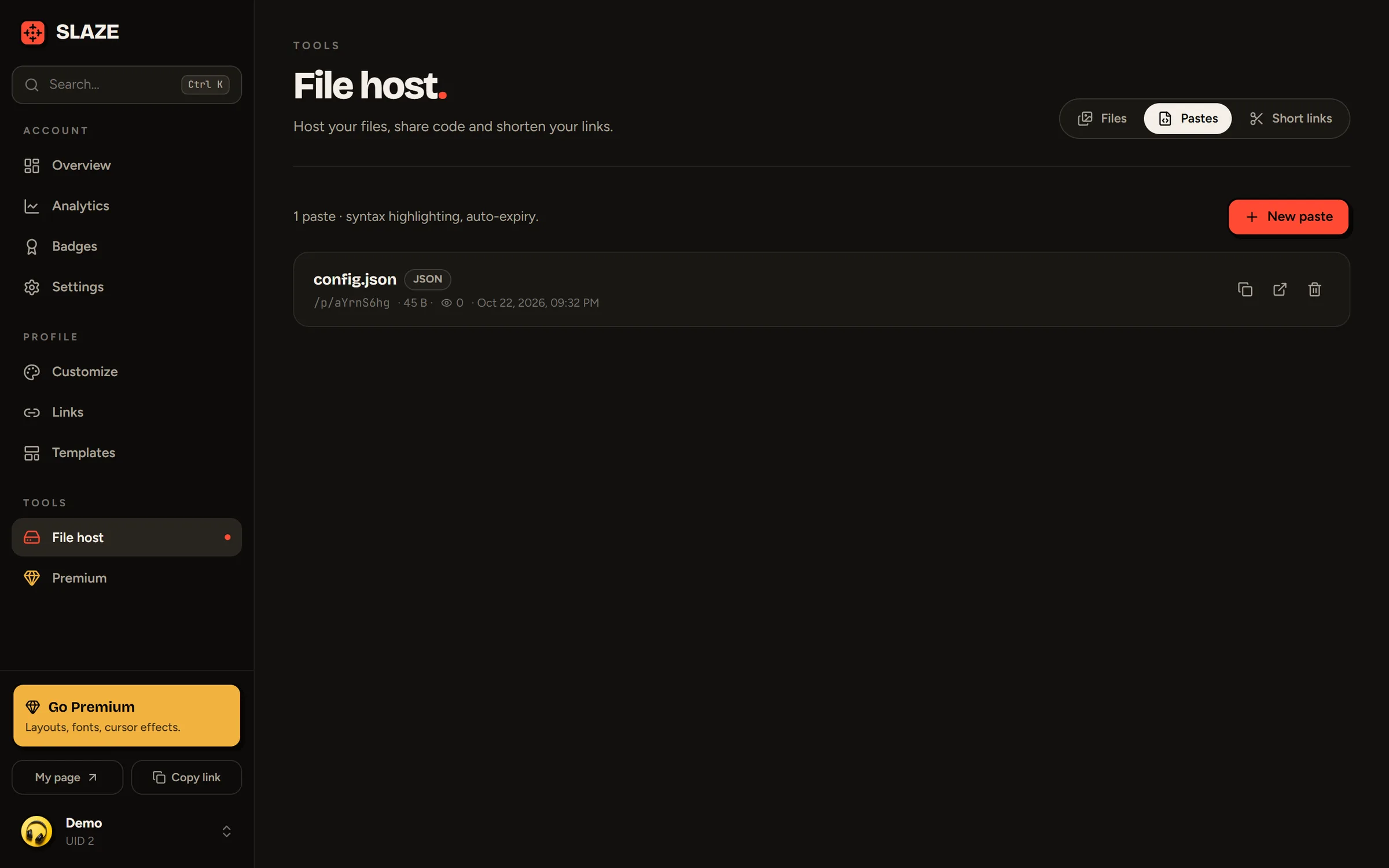
Creating a paste
- Click New paste.
- Add a title (optional, 80 characters).
- Pick the language for syntax highlighting: plain text, Markdown, JavaScript, Python, JSON, HTML, CSS, Lua… (19 to choose from).
- Under Expires, choose never, 1 hour, 24 hours, 7 days or 30 days.
- Paste the content (up to 200,000 characters).
- Leave Public on so anyone with the link can read it, or turn it off to keep it to yourself.
The slaze.cc/p/… link is copied automatically. The page shows the code with line numbers, plus the Raw, Download and Copy code buttons.
An expired paste is deleted for good.
Limit
20 pastes at a time for free, 1,000 with Premium.
Still stuck?
Email us and describe the problem: we’ll reply by email, in English or French.