Deleting your account
What gets deleted, what you lose, and how to confirm the deletion.
Updated October 22, 20261 min read
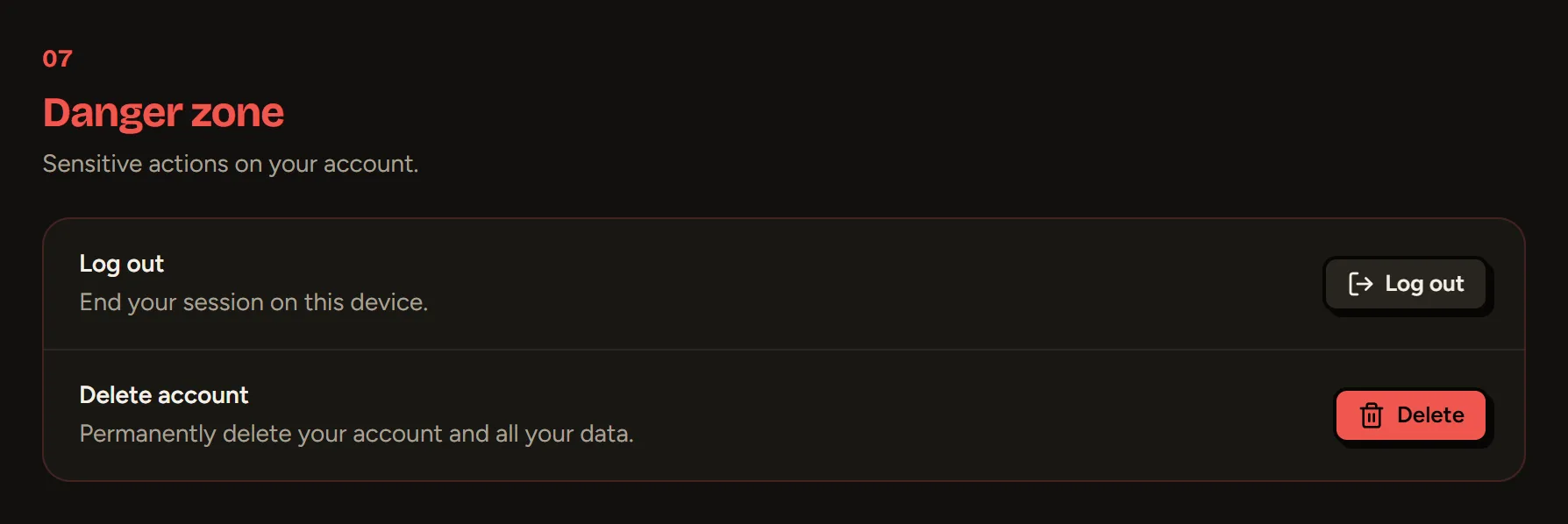
You delete your account in Settings → Danger zone → Delete account.
What gets deleted
- Your profile and your aliases: your username is freed up and someone else can take it.
- Your links, badges, stats, templates and hosted files.
- Your purchases: Premium and the add-ons you bought are lost and can’t be recovered or refunded.
Confirming
- Enter your password (if your account has one).
- Type DELETE (or SUPPRIMER if your site is in French).
- Confirm.
Still stuck?
Email us and describe the problem: we’ll reply by email, in English or French.