Create your account
Sign up with an email, Discord or Google, pick your username and confirm your address.
Updated October 22, 20262 min read
Creating a SLAZE account is free and takes less than a minute. Go to slaze.cc/register.
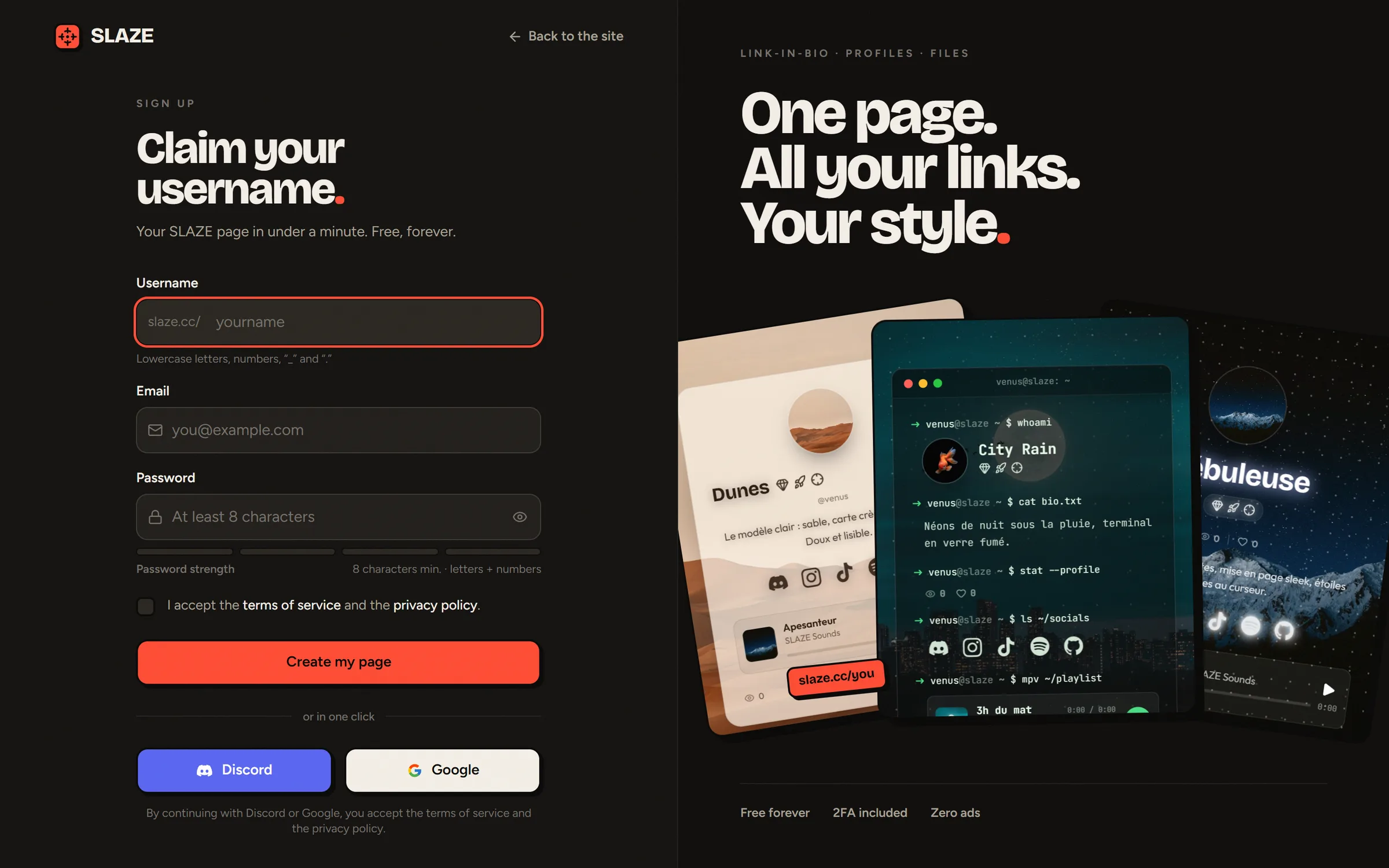
Sign up with an email
- Pick your username: it’s your page’s address (
slaze.cc/yourname). The site tells you right away if it’s free. - Enter your email address.
- Choose a password of at least 8 characters, with at least one letter and one number. The meter shows how strong it is.
- Check the box to accept the terms of service and the privacy policy.
- Click Create my page. You land straight in your profile editor.
Sign up with Discord or Google
Click Continue with Discord or Continue with Google and accept the connection. SLAZE creates your account with a username based on your name on that service (you can change it later).
- With Discord, your Discord avatar is used and your Discord presence is set up for your profile.
- With Google, your profile picture becomes your avatar.
Username rules
- From 1 to 20 characters: lowercase letters, numbers,
_and.. - A dot can’t be at the start, at the end, or doubled.
- No email addresses or website addresses (
moi.com,gmail…). - Some words are reserved (
admin,help,premium,support…).
You can change your username later: see Change your username and add aliases.
Confirm your email address
After you sign up, you get an email called “Confirm your email address”. Click the link (valid for 48 hours). Until you do, a banner reminds you in the dashboard, with a Resend the link button.
This address is how you get your account back if you forget your password: don’t skip this step.
The Early badge
The first 1,000 accounts automatically get the Early badge. See Your badges.
Still stuck?
Email us and describe the problem: we’ll reply by email, in English or French.