The enter screen
The “click to enter” screen: what it’s for, its text, its icon and its animation.
Updated October 22, 20261 min read
The enter screen shows up before your profile. The visitor clicks to enter, and that click lets your music start automatically (without a click, browsers block sound).
You set it in Customize → Enter. It’s on by default.
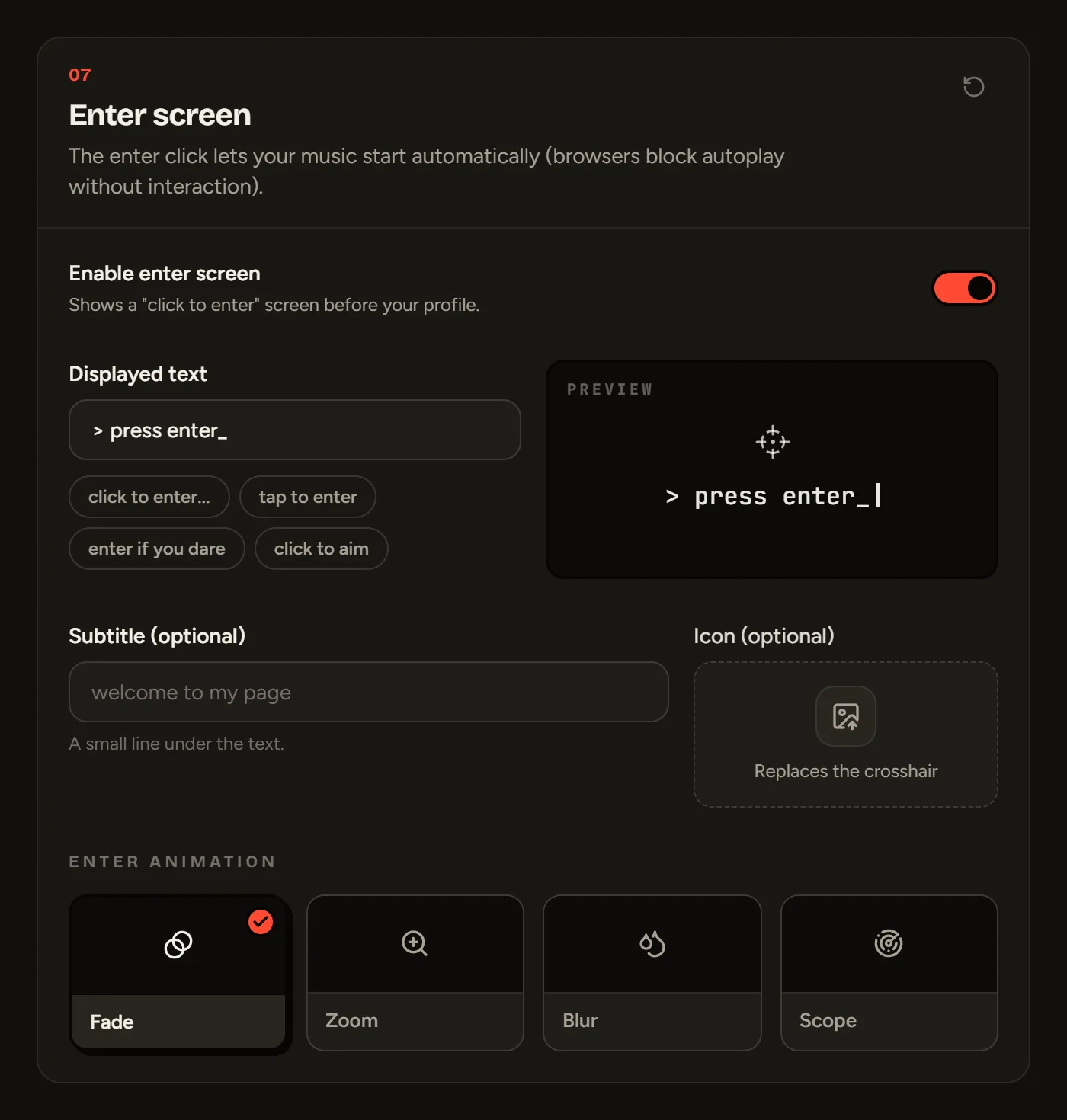
The settings
- Enable enter screen: turn it off if you don’t have music and want your profile to show up right away.
- Displayed text: up to 60 characters. Click a suggestion (“click to enter...”, “enter if you dare”…) or write your own.
- Subtitle (optional): up to 80 characters.
- Icon (optional): replaces the SLAZE crosshair with your own image.
- Enter animation: Fade, Zoom, Blur or Scope. All free.
Still stuck?
Email us and describe the problem: we’ll reply by email, in English or French.